Professional Education Platform: Requirements for Enrolment, Learning and Certification
How Business Analysis Canada defined requirements for a professional education platform covering enrolment, payments, learning and verifiable certificates.
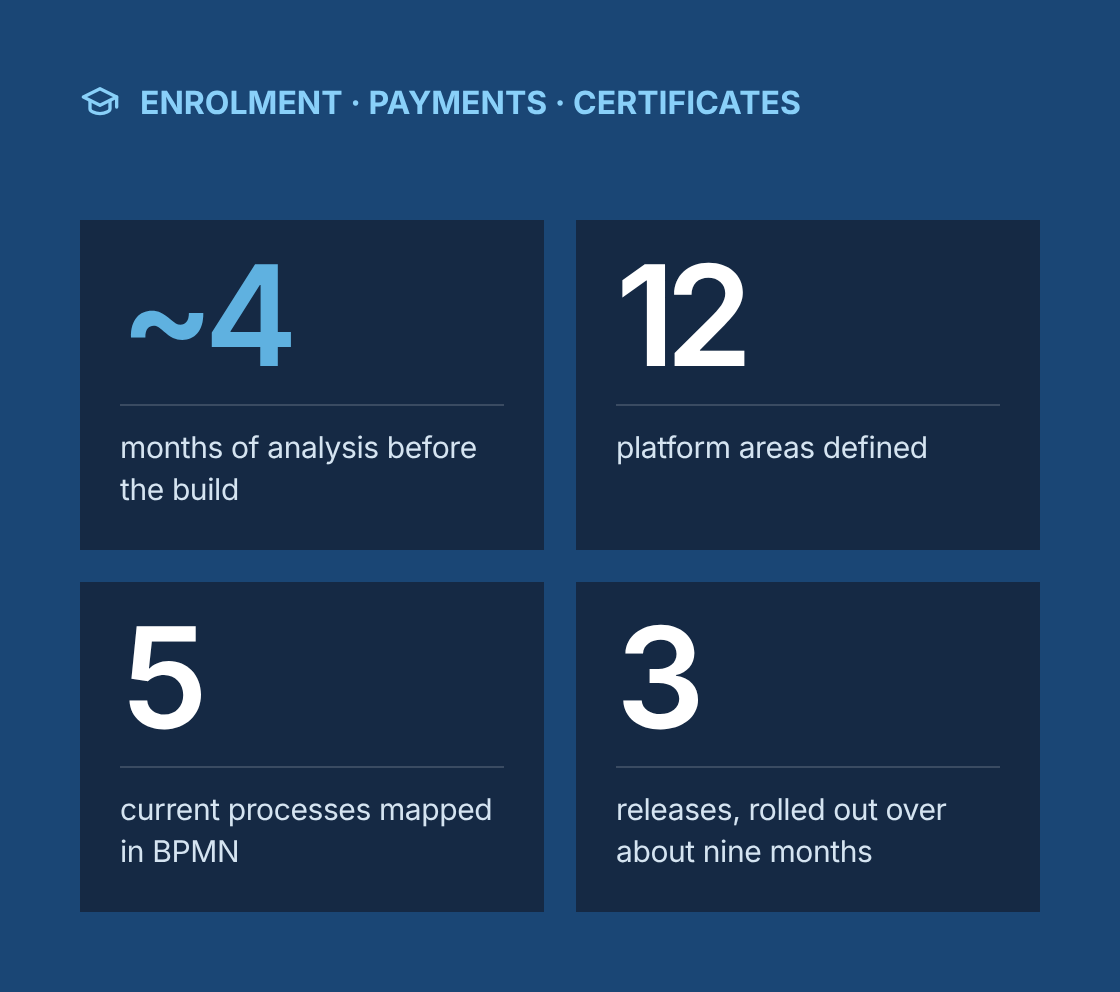
- ~4 months of analysis before the build
- 12 platform areas defined
- 5 current processes mapped in BPMN
- 3 releases, rolled out over about nine months
Project at a glance
- Client
A European professional education company offering certificate and diploma programs in classroom, live online and self-paced formats, to individual learners and corporate teams. The client's name and commercial details stay under NDA. - Solution
One platform for course discovery, enrolment and payment, learning delivery, assessment and verifiable certificates, with a portal for corporate clients - Engagement
Business analysis from discovery through implementation support - Duration
About 4 months of analysis, followed by a phased build and rollout over about 9 months - Our role
Lead business analysis: discovery, shared vocabulary, benchmarking, process and data modelling, business rules, integration and non-functional requirements, release planning, user stories and acceptance criteria - Confidentiality
Program names, pricing, learner data and commercial terms stay confidential. This case study describes the approach and the type of platform, not the client's specific product.
The challenge
What problem was the client trying to solve?
The client's programs had grown faster than the tools behind them. Learners, instructors and staff relied on several disconnected systems, held together by coordinators and spreadsheets.
- Scattered tools
Course pages, payments, enrolment records, live sessions, recorded content and emails each lived in a different tool. - Three formats
The same program could run in classroom, live online and self-paced formats, each with a separate schedule, price and capacity, and the old setup could not represent that cleanly. - Reconciliation
Coordinators reconciled enrolments, payments and attendance by hand before every cohort started. - Hard to verify
Certificates were produced manually, and employers checking a certificate had to email the client to confirm it was genuine. - Late instalments
Instalment plans and discount codes were tracked in finance spreadsheets, so missed instalments were spotted late. - Manual reports
Corporate clients asked for progress reports on their employees, and each one was put together by hand. - Support load
Learners often contacted support just to find a session link, a recording or their next deadline.
Our business analysis approach
How did we approach the engagement?
How did we approach the analysis?
- Discovery
We held interviews and workshops with program managers, coordinators, instructors, finance, marketing and corporate account managers. We also interviewed learners, reviewed learner survey results and analyzed support tickets to find the most common problems. - Shared vocabulary
Teams used words like course, class, cohort and module in different ways. We agreed one set of definitions for program, course, edition, session and format, and every later document used them. - Benchmarking
We reviewed established learning platforms and course marketplaces to see how enrolment, progress tracking, assessments and certificates usually work, and which patterns learners already expect. - Current-state process maps
We mapped five processes in BPMN: enquiry to enrolment, enrolment to payment, session delivery, assessment to certificate, and corporate reporting. Every manual handoff and re-keyed record was marked. - Personas and journeys
We defined personas for career changers, working professionals, corporate learners, corporate learning and development managers, instructors and coordinators. The learner journey ran from browsing a program to enrolling, paying, learning, being assessed, receiving a certificate and joining the alumni community. - Program model and enrolment lifecycle
We modelled how programs, courses, editions, sessions, formats and instructors relate, and defined the statuses an enrolment moves through, from lead to certified, including places waiting for funding, transfers and withdrawals. - Business rules
Pricing, payment plans, funded places, transfers between editions and formats, refunds, attendance rules, certificate eligibility by format and content access periods were captured in decision tables and signed off by the business leads responsible for them. - Integration requirements
We specified data flows with the payment provider, CRM and marketing automation, video conferencing, video hosting, invoicing and accounting, and corporate single sign-on, with an agreed system of record for each data element. - Non-functional requirements
We set requirements for privacy, accessibility, security of paid content, assessment integrity, and performance during enrolment peaks and live sessions. - Release plan, migration and sign-off
We split the scope into three releases, planned the migration of past learners and certificates, and wrote user stories with acceptance criteria. The product manager signed off the baseline, and we supported user acceptance testing, a pilot on selected cohorts and a program-by-program cutover.
Platform
What did the platform include?
Program catalogue
Program pages generated from one data model: programs made up of courses, each run as editions in a classroom, live online, self-paced or blended format, with dates, prices, instructors and remaining seats.
Enrolment
Online enrolment with a clear lifecycle: lead, applied, reserved, awaiting funding, enrolled, active, completed and certified, plus transferred and withdrawn. Seat holds expire if payment is not completed, except for funded places, which stay held while funding documents are reviewed.
Checkout and payments
Payment in full or by instalment, early-booking prices, discount codes, corporate invoices, and funded places with eligibility checks, held as awaiting funding until the funder confirms.
Payment plans
Automatic instalment reminders and retries, escalation to finance, and access to new content paused when an instalment is overdue.
Learner dashboard
One place for the schedule, session links, recordings, materials, assignments, deadlines and progress.
Live and classroom sessions
Attendance recorded for each session: by the instructor in class, and automatically for live online sessions, matched through each learner's personal join link and counted only when the learner is present for the agreed minimum share of the session.
Self-paced learning
Video lessons with progress tracking, quizzes and completion rules inside the same platform.
Assessment
Quizzes, assignments and exams, with grading workflows, attempt limits and resubmission rules.
Certificates
Eligibility rules by format: required attendance and passed assessments for classroom and live online editions, and completed modules and passed assessments for self-paced courses. Certificates are issued automatically with a unique code and a public verification page for employers.
Transfers and refunds
Rules for moving to a later edition or a different format, and for refunds by notice period and progress. Completed sessions and payments carry over where allowed, and any price difference between formats is either paid by the learner or given back as a credit.
Corporate portal
Seat assignment, employee progress tracking and downloadable reports for corporate clients.
Alumni access
Continued access to agreed materials and alumni events after completion.
System integration
How did the platform connect to other systems?
The platform became the record for programs, enrolments, progress and certificates. Every other system either fed it or received updates from it.
Touchpoint
What happens
System of record
Enquiry and lead
An enquiry on the website creates a lead in the CRM, and the lead becomes an enrolment when the learner applies or enrols
The CRM for leads and campaigns, and the platform from enrolment onwards
Payment
The learner pays in full or by instalment through the payment provider, and the platform updates the enrolment when payment is confirmed
The payment provider for card data and payment status
Invoicing
Payments, refunds and corporate orders create invoices and credit notes in accounting
The accounting system for invoices and revenue
Live sessions
The platform creates meetings in the video conferencing tool, issues each learner a personal join link, and receives attendance data afterwards, matched to learners through those links
The platform for attendance
Recorded content
Lessons and recordings play from the video host through secure links, and viewing progress returns to the platform
The video host for files, and the platform for progress
Corporate sign-in
Employees of corporate clients sign in through their company's identity provider and are linked to their company's account
The client company's identity provider for identity
Notifications
The platform sends confirmations, reminders, deadline alerts and certificate notices by email
The platform for message triggers and history
Marketing consent was kept in step between the platform and the CRM, so only learners who had opted in received marketing messages.
Administration
What did coordinators and administrators need?
Edition management
Creating editions, setting capacity and enrolment deadlines, managing waitlists and assigning instructors
Enrolment management
Enrolling learners manually, approving applications, reviewing funding documents, and processing transfers, withdrawals and refunds under the rules
Attendance
Reviewing and correcting attendance records, with every change logged
Certificates
Reissuing a certificate with corrected details, or revoking one, with the reason recorded
Pricing
Managing price lists, early-booking dates and discount codes, with approval before a code goes live
Corporate accounts
Setting up corporate clients, seat allowances, billing details and report access
Instructor tools
Session lists, attendance, materials, grading and learner messages in one view
Reporting
Enrolments, attendance, completion, certificates issued and revenue by program, edition and format
Privacy and security
How did we handle privacy, accessibility and content security?
Education platforms hold personal data, assessment results and paid content, so these requirements were set before any screen was designed.
- Privacy. GDPR requirements covered consent, data minimization, access and deletion requests, and retention periods for assessment and certificate records.
- Accessibility. Learner-facing pages, videos and assessments targeted WCAG 2.1 AA, in line with European accessibility requirements for online services. That included captions, keyboard navigation and screen reader support.
- Content security. Paid videos and materials are available only to enrolled learners, through expiring playback links, with download options controlled for each program.
- Assessment integrity. Exam time limits, attempt rules and an audit log of every grade change were defined as requirements.
- Payments. Card data is handled only by the payment provider, keeping the platform out of PCI DSS card-data scope.
- Performance. The platform had to stay responsive when enrolment opened for popular editions and while many live sessions ran at once.
Which BA techniques and tools did we use?
Techniques
- Stakeholder interviews and workshops
- Learner research
- Support ticket analysis
- Glossary development
- Competitive benchmarking
- BPMN process modelling
- Personas
- Journey mapping
- Data modelling
- State modelling
- Business rules analysis
- Decision tables
- Integration requirements
- Non-functional requirements
- Release planning
- Data migration planning
- User stories with Given/When/Then acceptance criteria
- Requirements traceability
- UAT planning
Tools
- Jira
- Confluence
- Miro
- Lucidchart
- Figma
- Microsoft Excel
Acceptance criteria
What did the acceptance criteria look like?
Certificate eligibility, scheduled formats
- Given a learner in a classroom or live online edition has attended the required share of sessions
- And has passed all required assessments
- When the edition closes
- Then a certificate is issued with a unique verification code
- And the certificate can be checked on the public verification page
Certificate eligibility, self-paced
- Given a learner on a self-paced course has completed every required module
- When they pass the final assessment
- Then a certificate is issued straight away with a unique verification code
Missed instalment
- Given a learner's instalment is overdue
- When the agreed grace period ends
- Then the learner and finance are notified
- And access to new content is paused under the payment plan rules
- And access returns automatically once the payment is received
Transfer to a later edition
- Given a learner requests a transfer within the allowed period
- When the coordinator approves it
- Then the learner's seat moves to the new edition
- And completed sessions and payments carry over under the transfer rules
- And any price difference between formats is charged or credited to the learner
Live session access
- Given a learner is enrolled in a live online edition
- When a session starts
- Then the learner's personal join link is available on their dashboard
- And their attendance is recorded automatically if they are present for the agreed minimum share of the session
Results
What were the results?
- ~4 months of analysis before the build
- 12 platform areas defined
- 5 current processes mapped in BPMN
- 3 releases, rolled out over about nine months
One platform for enrolment, payment, learning, assessment and certification, replacing several disconnected tools.
- Coordinators freed from reconciling enrolments, payments and attendance by hand.
- Certificates issued automatically when the rules are met, and verifiable by employers online.
- Instalment plans managed by the platform, with missed payments flagged as they happen.
- Corporate clients able to follow their employees' progress without asking for manual reports.
- Learners able to find sessions, recordings, materials and deadlines in one place.
- Past learners and certificates migrated, so alumni kept their history.
“
Lessons learned
What can other education providers learn from this project?
- Agree the vocabulary before the features. Course, cohort and module must mean one thing to every team.
- Model the program structure first. Programs, editions, sessions and formats shape every screen and rule that follows.
- Write the enrolment lifecycle down. Transfers, refunds and paused access are where most disputes come from.
- Put certificate rules in a decision table, by format. Automatic certificates only work if eligibility is defined exactly for classroom, live online and self-paced learners.
- Migrate alumni and old certificates. A certificate that can no longer be verified damages trust in every new one.
Still reconciling enrolments and payments by hand?
Talk to a senior business analyst about enrolment rules, certificates and integrations for your learning platform, before any screen is designed.
Professional Education Platform: Requirements for Enrolment, Learning and Certification